
Breakpoints
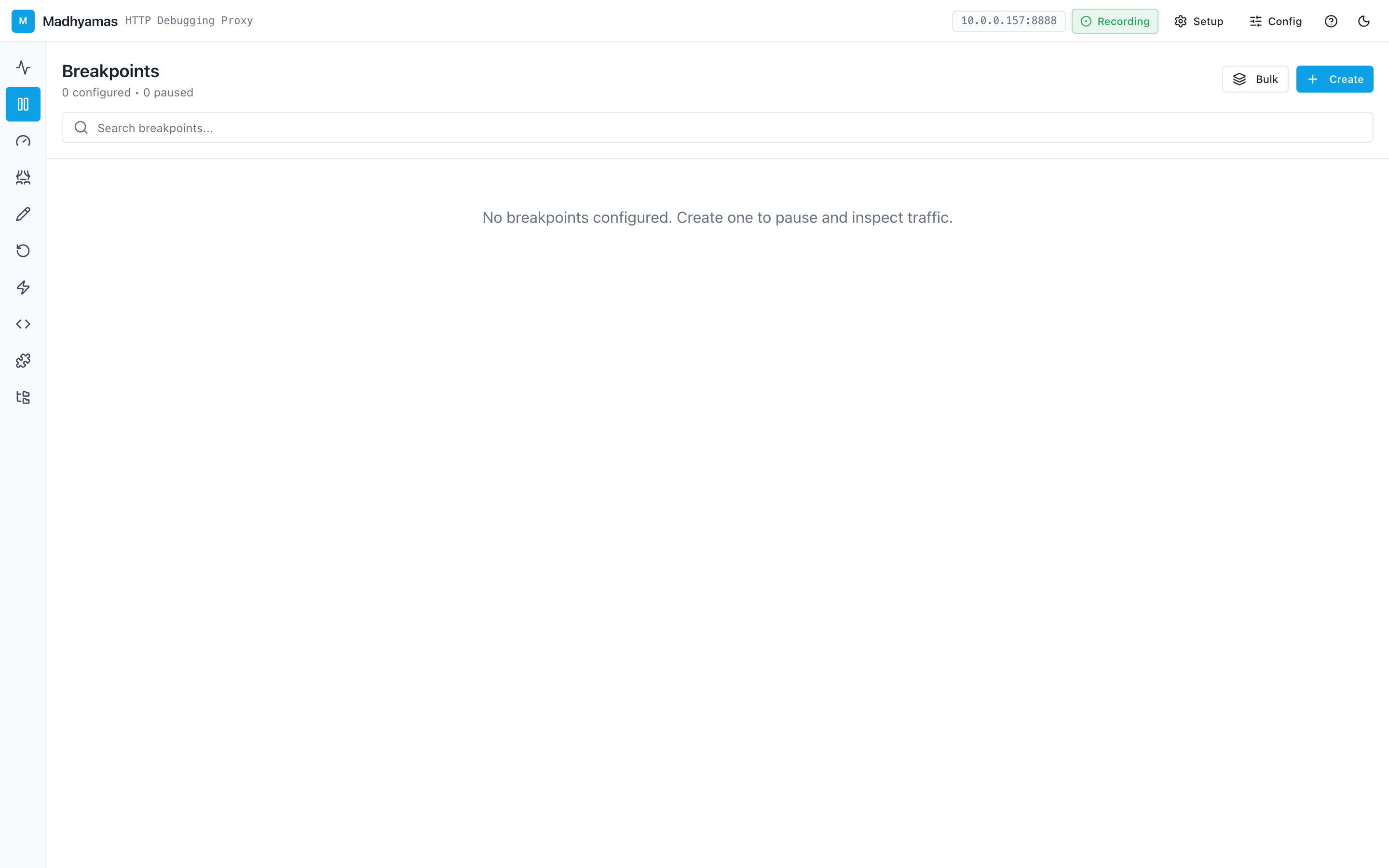
Breakpoints let you pause HTTP requests or responses as they pass through the proxy, inspect them, and modify them before they continue. This is invaluable for debugging — you can test how your app handles different responses, inject errors, or fix malformed requests on the fly.
How Breakpoints Work
When a breakpoint matches a request:
- The request is paused before it reaches the server
- Madhyamas shows a notification in the web UI
- You can inspect the request headers, body, and URL
- You can modify any part of the request
- You choose to Forward (send it to the server) or Drop (cancel it)
- The same process can apply to the response before it returns to the client
Creating a Breakpoint
- Navigate to the Breakpoints view using the left navigation rail
- Click Add Breakpoint
- Configure the match criteria:
- URL Pattern: A wildcard pattern like
*/api/users*or a regex - Method: Optionally filter by HTTP method (GET, POST, etc.)
- Phase: Choose whether to break on Request, Response, or Both
- URL Pattern: A wildcard pattern like
- Click Save to activate the breakpoint
URL Pattern Syntax
| Pattern | Matches |
|---|---|
* | All requests |
*/api/* | Any URL containing /api/ |
*.example.com/* | Any request to example.com subdomains |
*/users/* | Any URL containing /users/ |
When a Breakpoint Hits
When a request matches an active breakpoint:
- The traffic row shows a paused indicator (yellow dot)
- The breakpoint detail panel opens automatically
- You see the full request (or response) with editable fields
What You Can Modify
On Request breakpoints:
- HTTP method
- URL
- Request headers (add, edit, remove)
- Request body
- Query parameters
On Response breakpoints:
- Status code
- Response headers
- Response body
Actions
| Action | What it does |
|---|---|
| Forward | Sends the (possibly modified) request/response on its way |
| Drop | Cancels the request — the client receives an error |
| Forward & Disable | Forwards this one, then disables the breakpoint so subsequent matches pass through |
Managing Breakpoints
Enabling / Disabling
Each breakpoint has a toggle switch. Disabled breakpoints remain in your list but don't pause traffic. This is useful for keeping breakpoint configurations ready without activating them.
Pausing All Breakpoints
If you need to let traffic flow freely temporarily, you can pause all breakpoints at once using the Pause All button. Resume them later with Resume All.
Editing and Deleting
- Click any breakpoint to edit its configuration
- Use the trash icon to delete a breakpoint
- Breakpoints are persisted across restarts
Common Use Cases
Testing Error Handling
Set a breakpoint on a specific API endpoint, change the response status code to 500, and see how your app handles the error.
Fixing Malformed Requests
If your app sends a request with a missing or incorrect header, use a request breakpoint to add the correct header before it reaches the server.
Simulating Slow Responses
Combine breakpoints with the Throttle feature to simulate slow server responses and test loading states in your app.
Inspecting Authentication
Break on requests to your auth endpoint to inspect tokens, cookies, and headers being sent.
See also
- Rewrites — automatic, non-interactive traffic modification
- Mocks — return fake responses without hitting the server
- Replay — re-execute captured requests
- REST API reference —
/api/breakpointsendpoints